
How to install Printix Client (Mac):
1. Open your browser and go to https://vcs.printix.net/download and click the download button

2. Find the downloaded installer file and open it
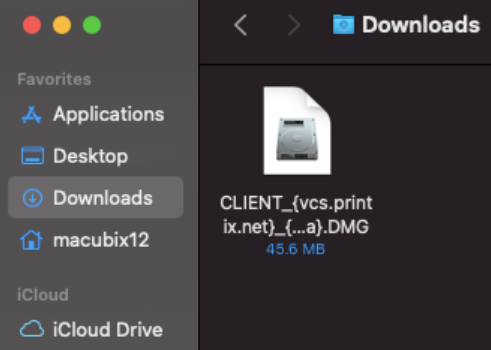
3. Open the Printix Client.pkg

4. Click OK

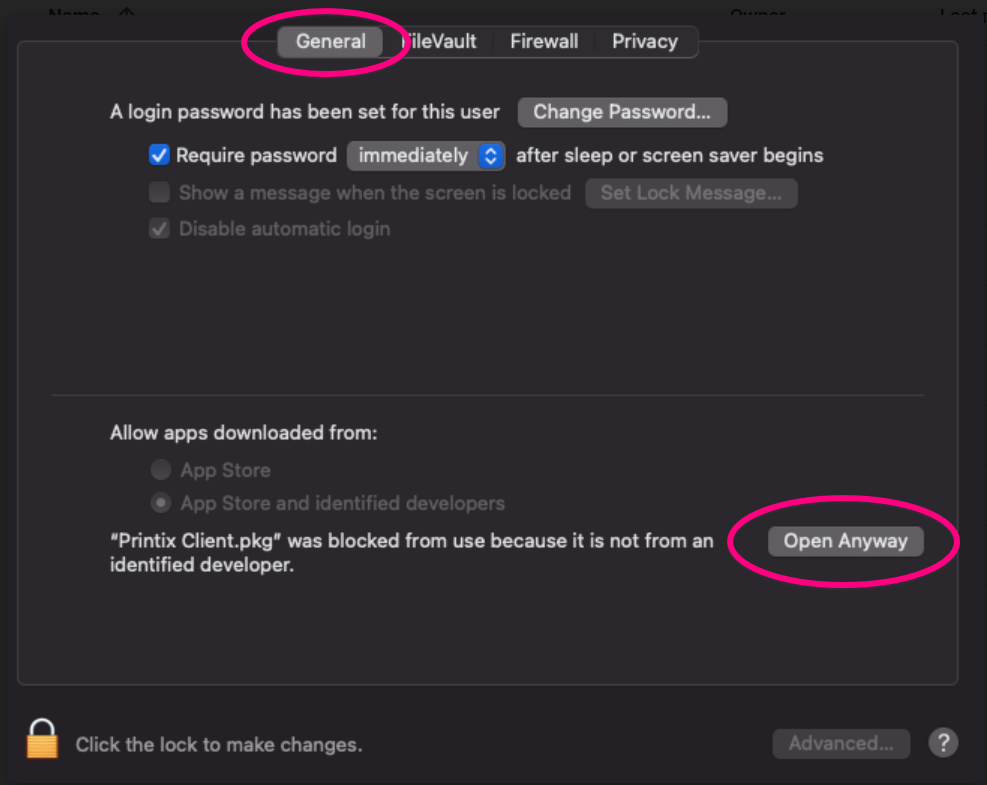
5. Open System Preferences

6. Click Security & Privacy

7. On the General tab, click Open Anyway
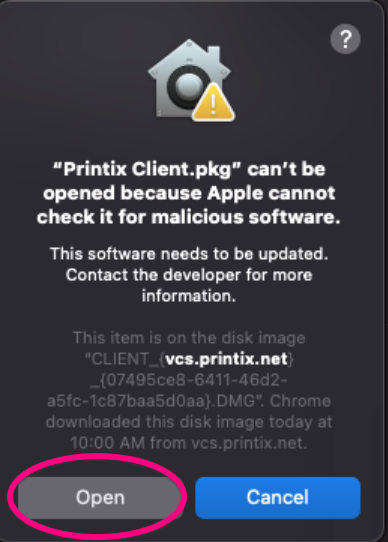
8. Click Open
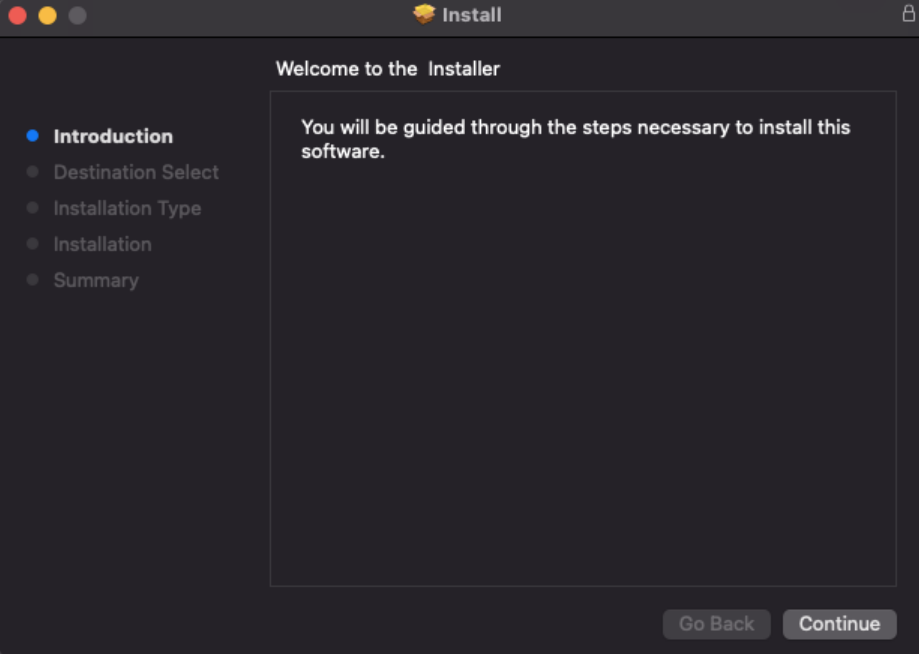
9. Follow the installation prompts to install Printix
10. The Printix Sign in page will open in a browser. Click Sign in with Microsoft and use your VCS email address and password.

Close the browser window once you've signed in.

Congratulations, you are ready to add printers using Printix!
Comments
0 comments
Please sign in to leave a comment.