
To install the Printix Client (PC):
- Note: You must restart your laptop following step 4
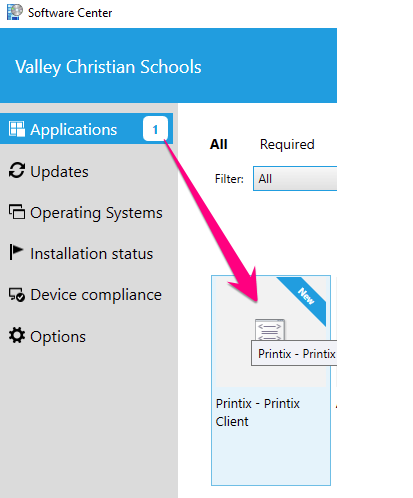
1. Open Software Center

2. Click on Printix - Printix Client
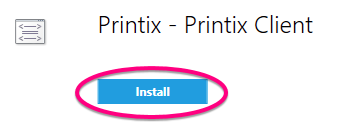
3. Click Install and follow the on screen prompts to install Printix
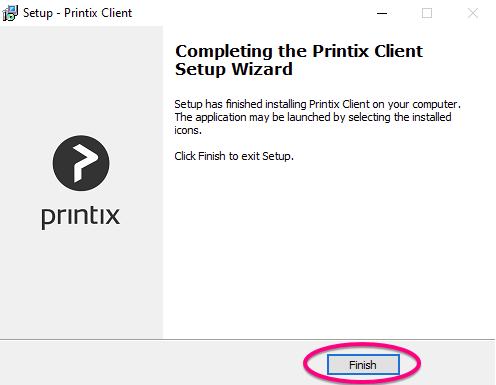
4. Click Finish when prompted to exit the installer
5. Restart your laptop
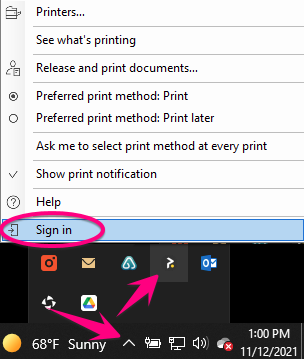
6. Go the lower-right corner of your taskbar and click the more arrow > click the Printix icon > and click Sign in
7. The Printix Sign in page will open in a browser. Click Sign in with Microsoft and use your VCS email address and password. Close the browser window once you've signed in.


8. Congratulations, you are ready to add printers using Printix!
Comments
0 comments
Please sign in to leave a comment.