
To project your iPad to Apple TV:
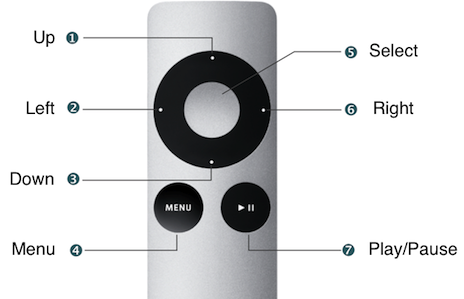
1. Point the Apple TV remote towards the Apple TV and press the Select button to wake the Apple TV up.
- The Apple TV may be mounted on top of the ceiling projector or behind the TV, depending on your room.
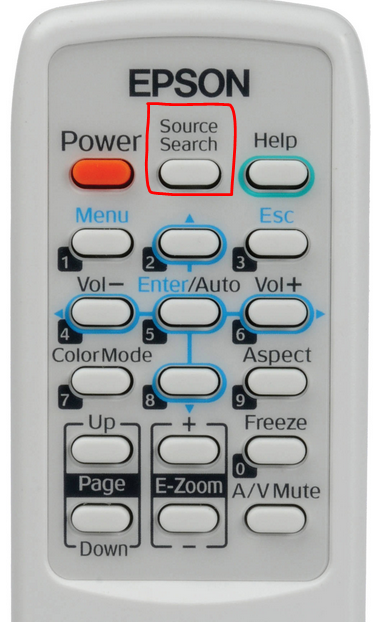
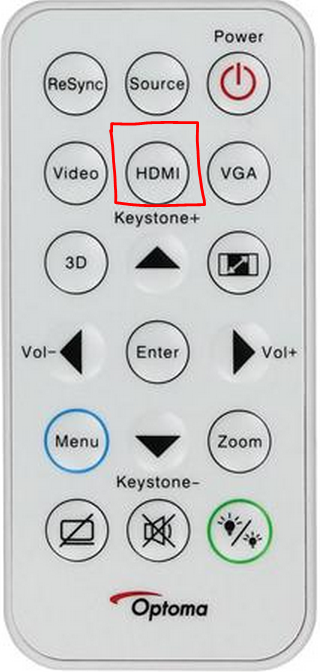
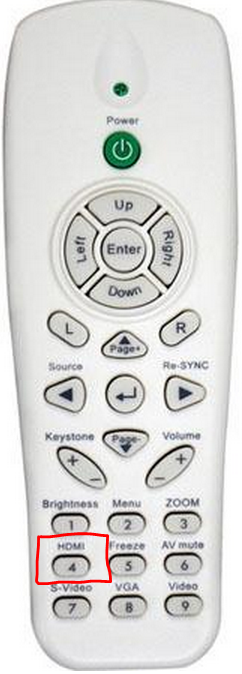
2. Turn on the projector and press the Source Search button or the HDMI button on the projector remote, depending on the type of remote you have.
 |
 |
 |
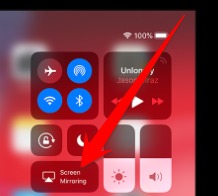
3. Swipe up down from the top-right of your iPad screen to access the Control Center and tap Screen Mirroring
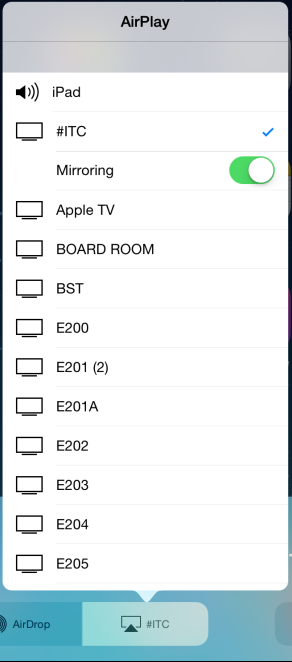
4. Tap your room number and turn Mirroring on.
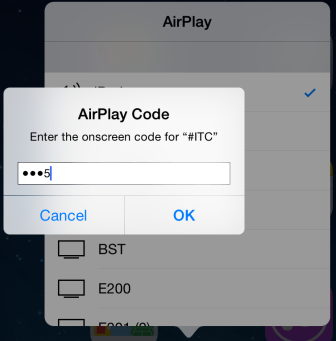
5. Enter the AirPlay Code that is projected on your screen.
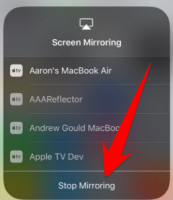
6. Go back to your Screen Mirroring menu and press stop mirroring off when you're done
Comments
0 comments
Please sign in to leave a comment.