
Before adding an H5P activity on your Moodle page, you must create an activity in your content bank
1. Go to your Moodle page and Turn editing on
2. Click add an activity or resource
3. Add an H5P activity

4. Name the activity then click to add a package file
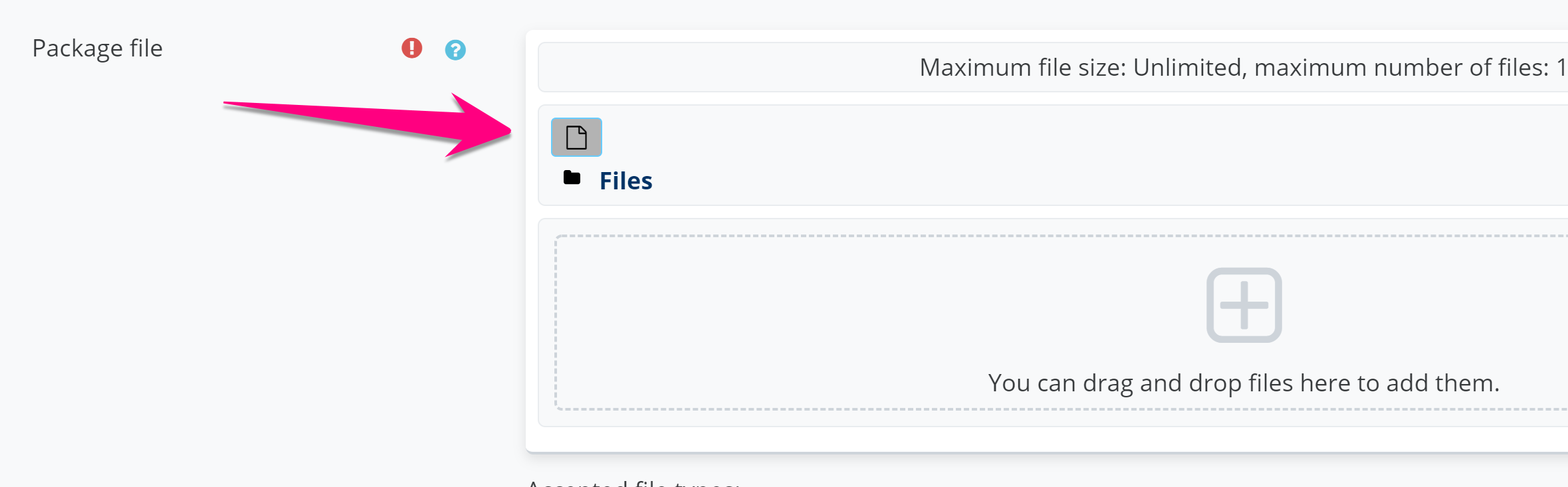
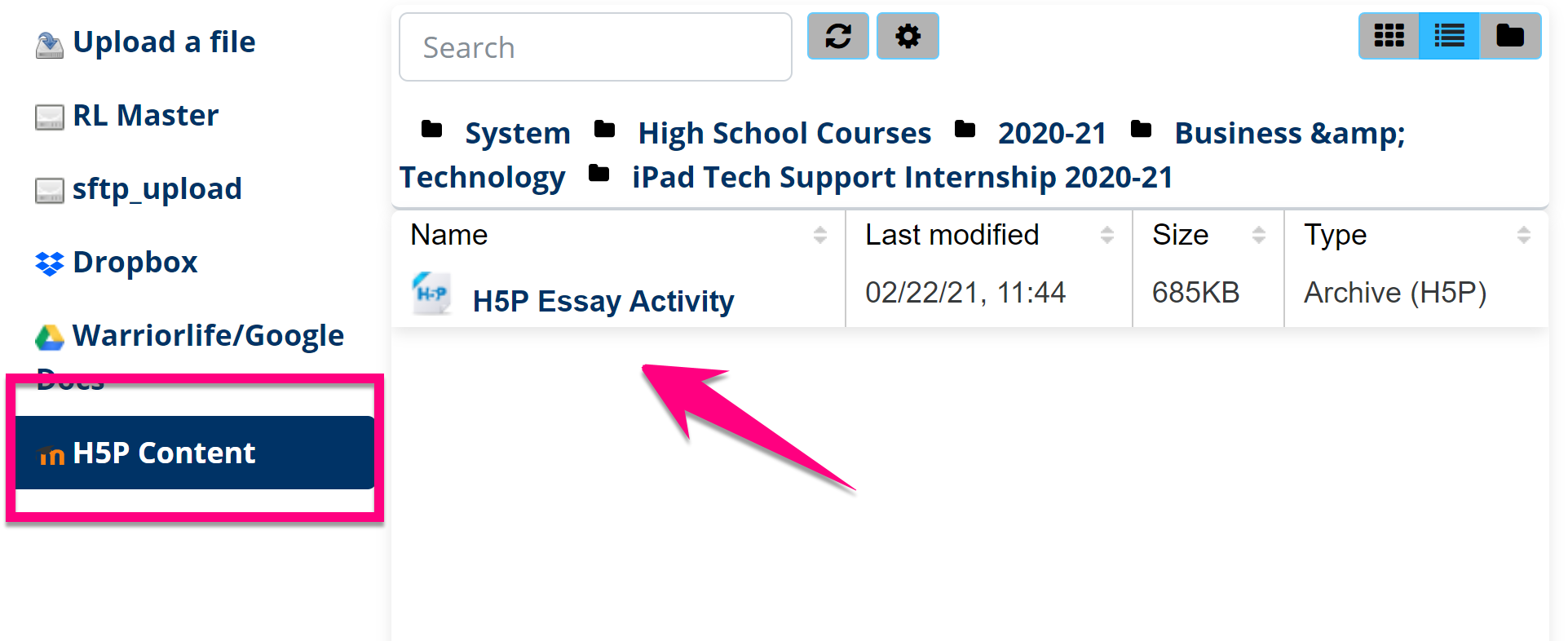
5. Click H5P Content from the file picker menu, choose the H5P activity, and click select this file
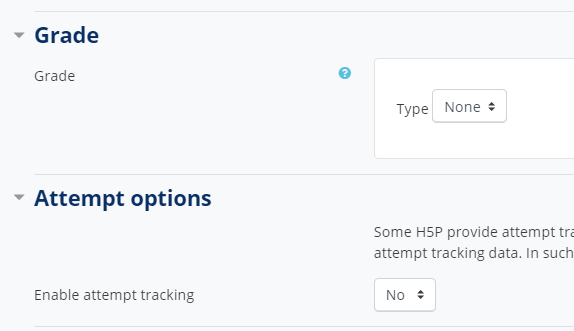
6. Select grading and attempt settings (if you want)
7. Click save and return to course
Comments
0 comments
Please sign in to leave a comment.