
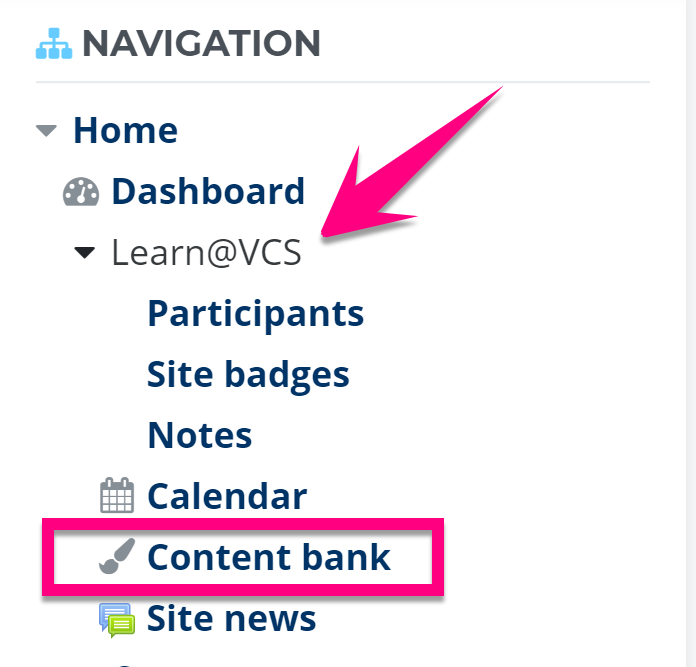
1. From the Navigation block, expand Learn@VCS and click Content Bank
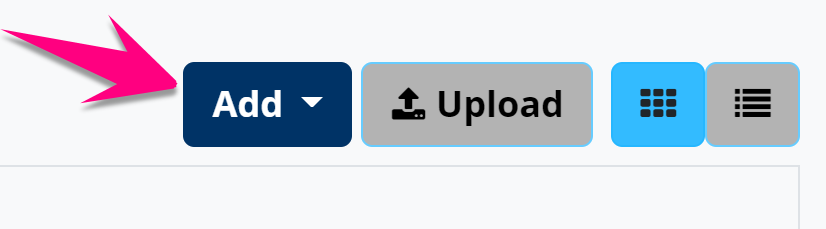
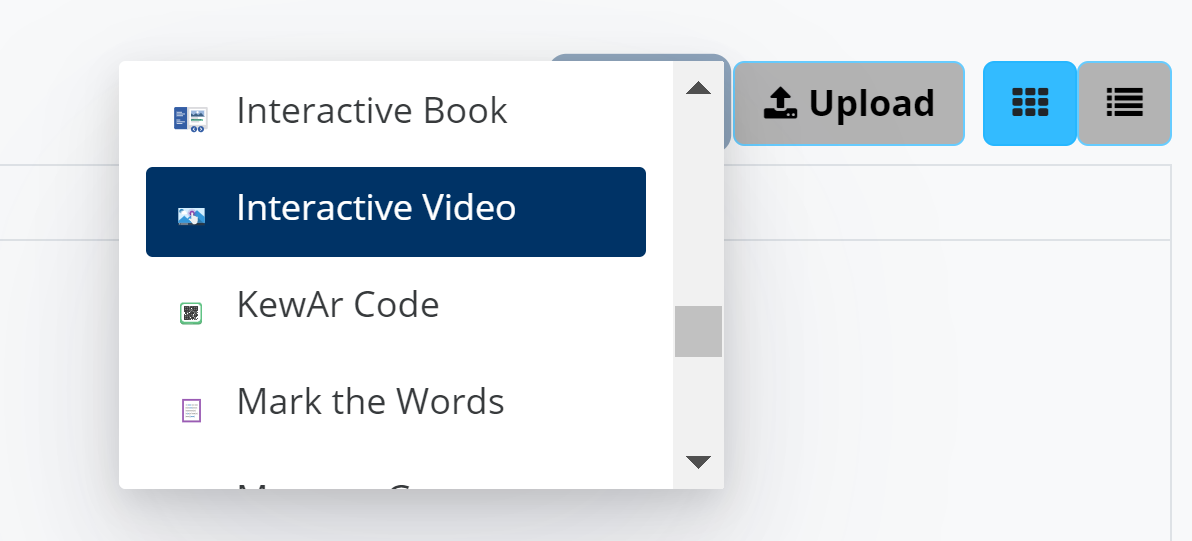
2. Click the Add button in the upper-right and choose an H5P activity to create
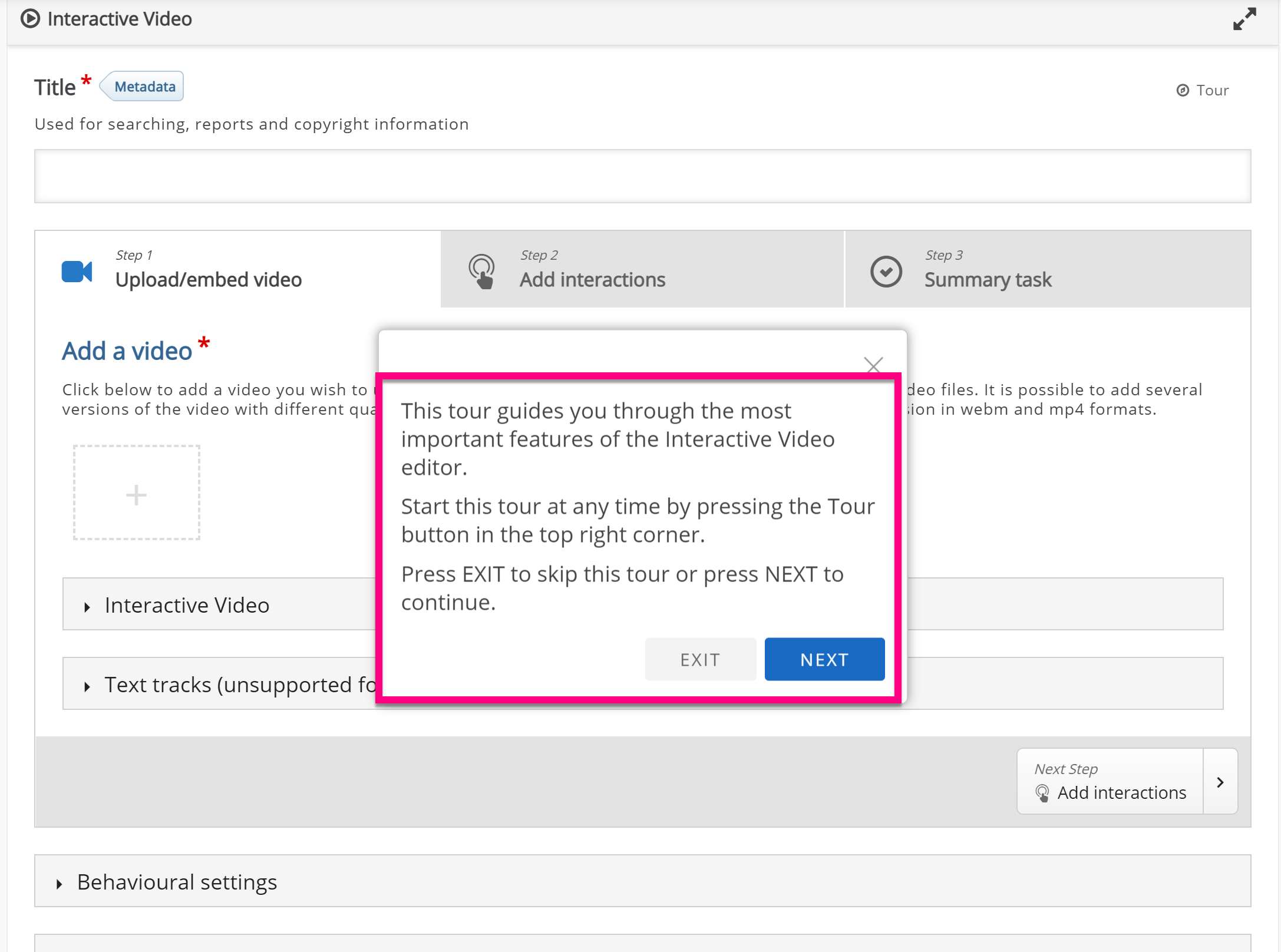
3. Create your activity using the wizard... use the tour for assistance or documentation from H5P
4. Click the Save button

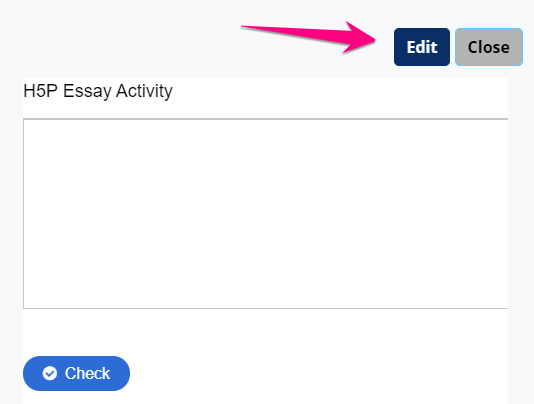
5. Preview your H5P interaction and click edit if you want to edit it or close if you're finished
6. You can always return to edit this interaction later by going back to your content bank
Comments
0 comments
Please sign in to leave a comment.