
In this article we will show you how to create a free Zoom account with your google @warriorlife.net account.
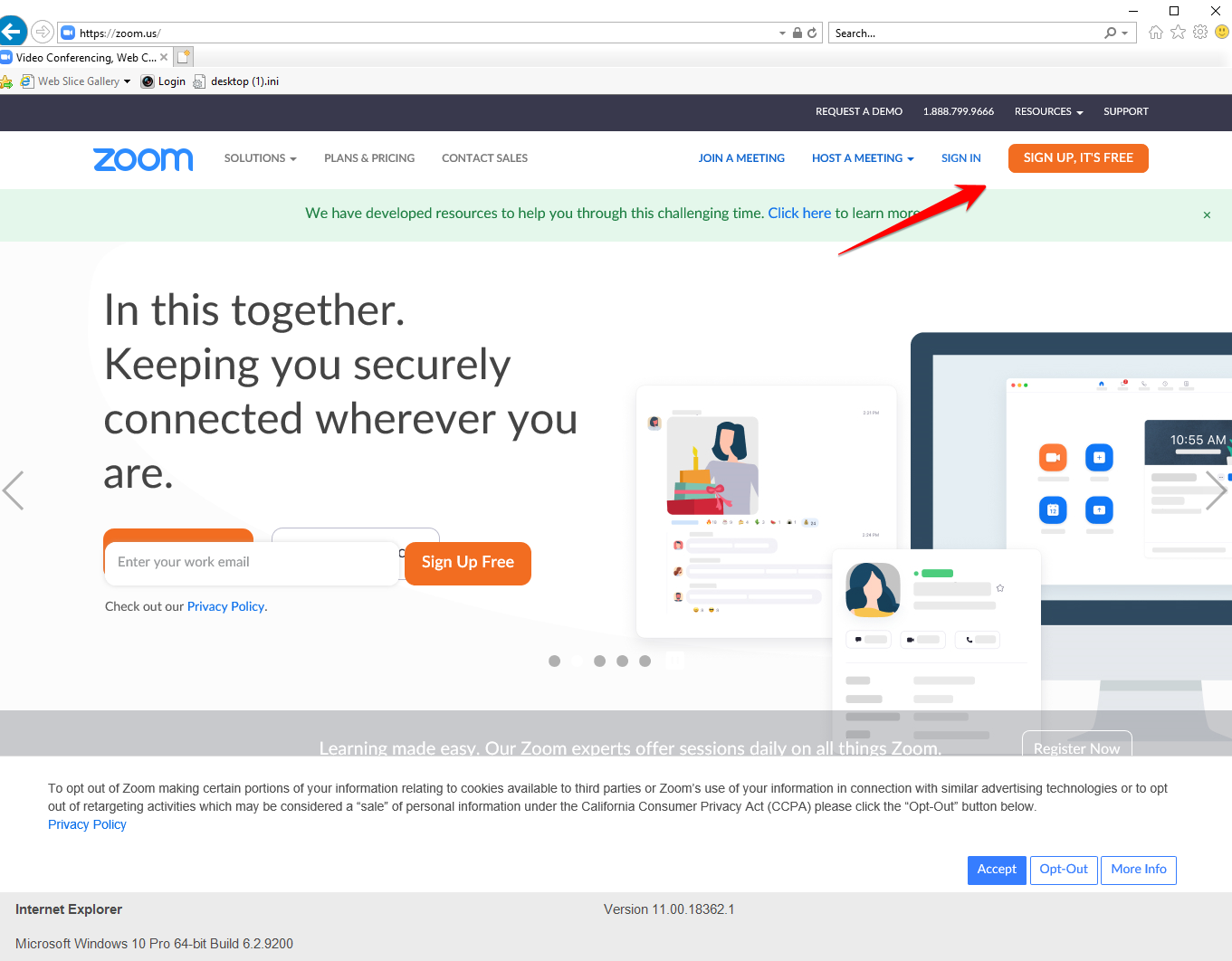
- Go to zoom.us and choose Sign up, It's free
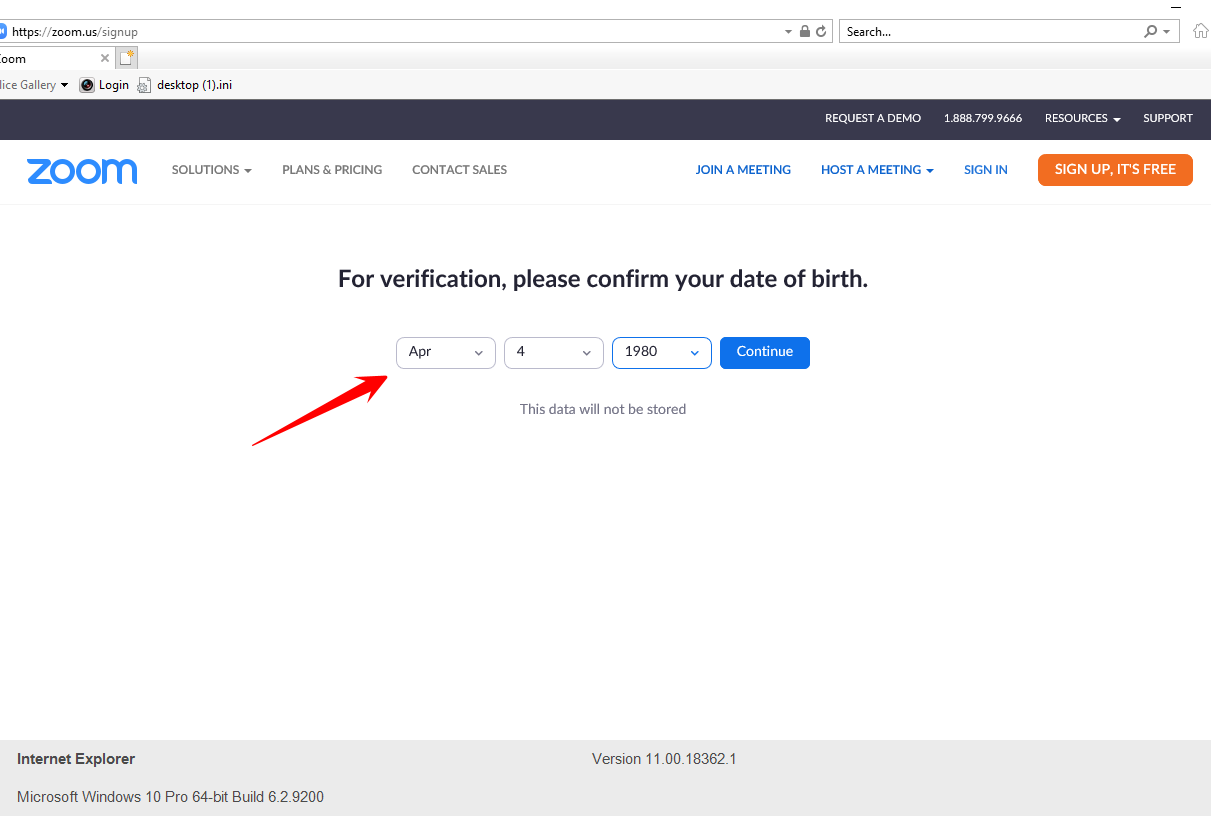
- Next enter your date of birth and continue
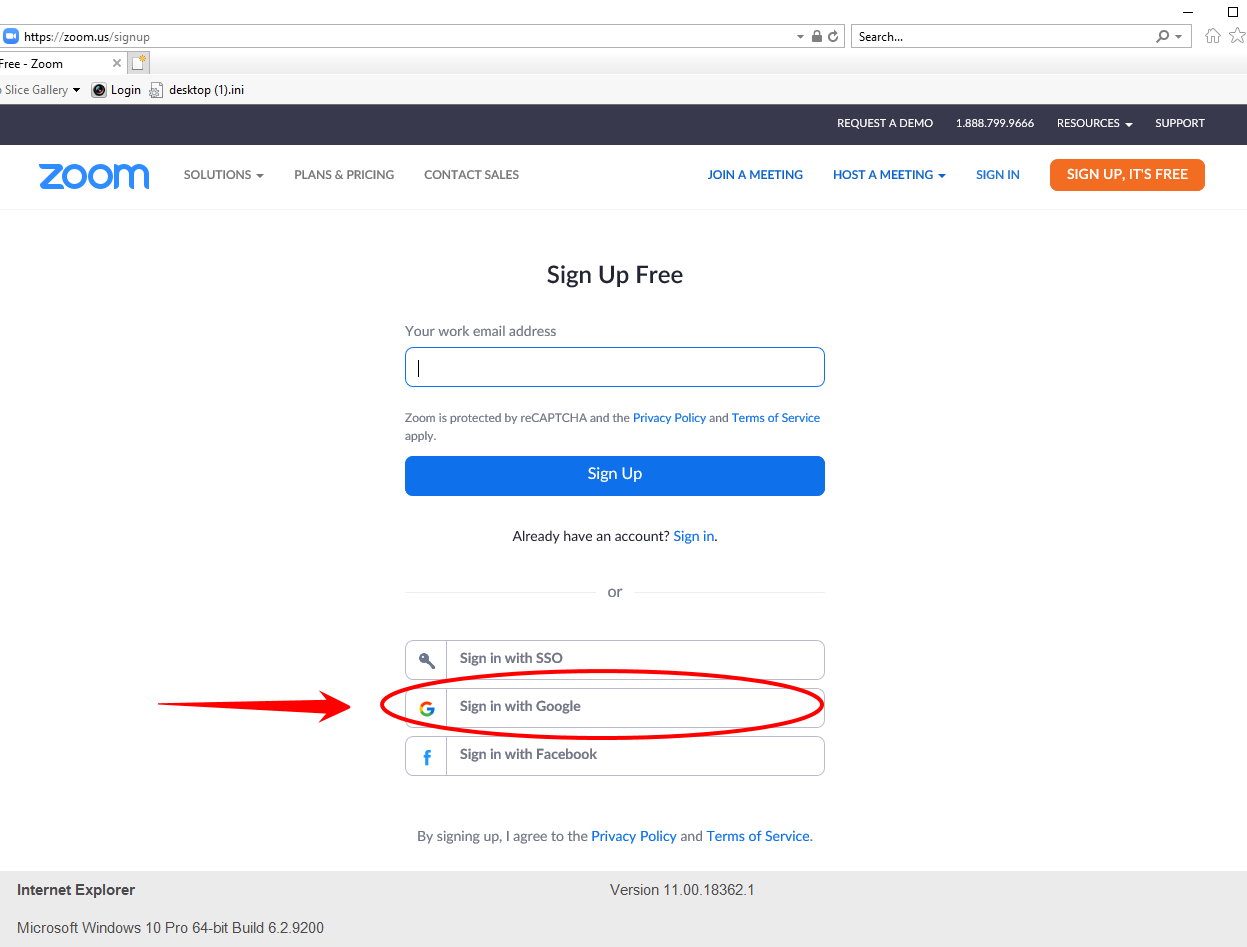
- Next select sign in with Google
- Next enter your @warriorlife.net email and choose Next and enter your email password if prompted.
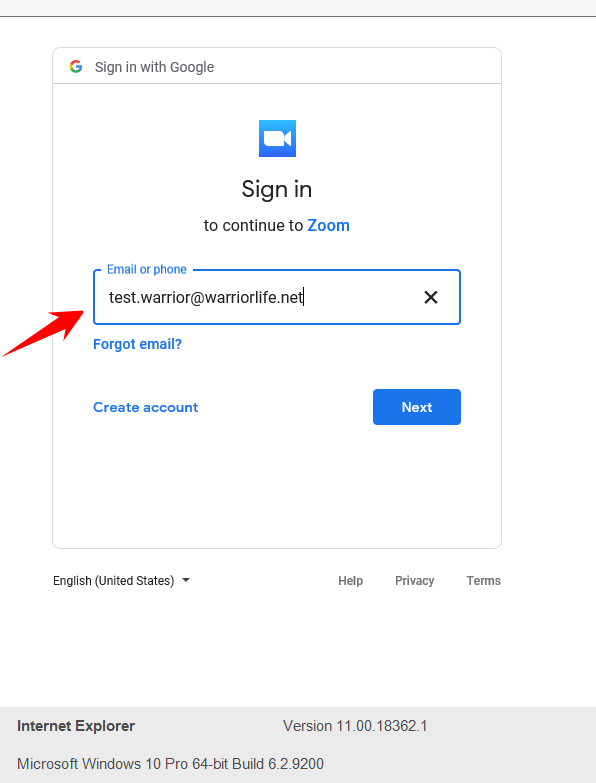
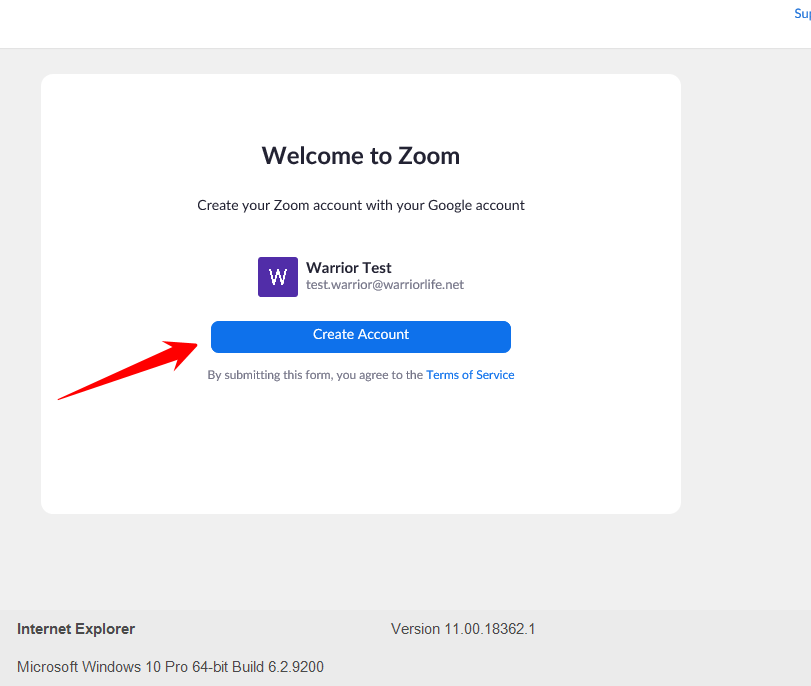
- Choose Create Account to sign into Zoom.
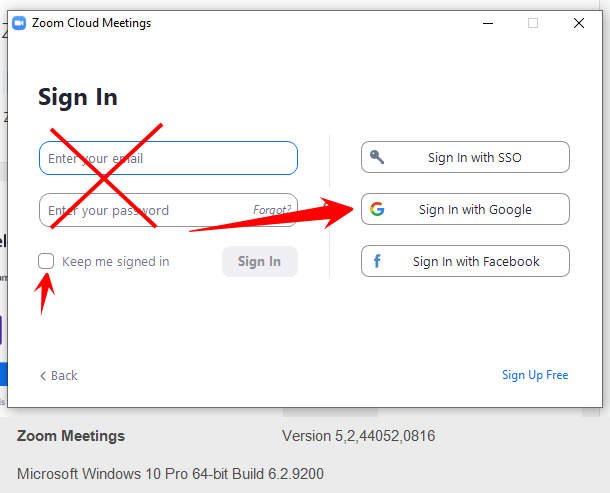
- Every time you need to sign into your Zoom account, choose sign in with Google
Comments
0 comments
Please sign in to leave a comment.