
How to run Windows Update Assistant
- Have 30-60 minutes of dedicated time to updates
- Plug in your laptop to charger
Step 1 - Search for and open the Software Center application
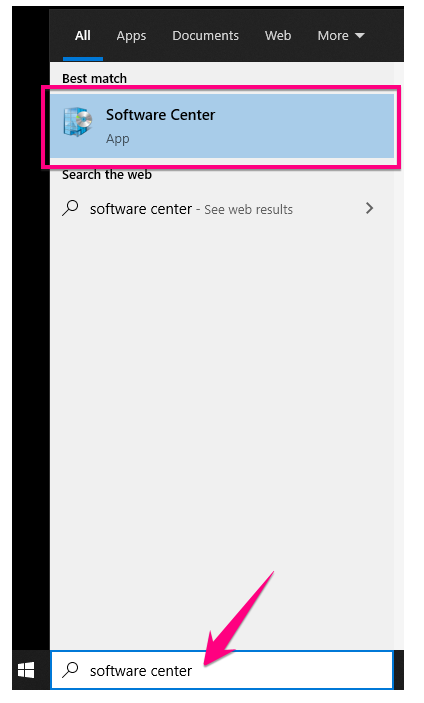
Step 2 - Click Windows Update Assistant and follow prompts.

Step 3 - Run any new Windows Updates after the assistant completes
- Search for updates and click Check for updates

- Scroll to the bottom of the list of updates and click Install now

- You may close the window and continue working while updates install
Please email Helpdesk if you need assistance :)
Comments
0 comments
Please sign in to leave a comment.