
You are able to update some software and plugins on your PC, such as Flash Player, using a tool called Software Center. To update software from Software Center:
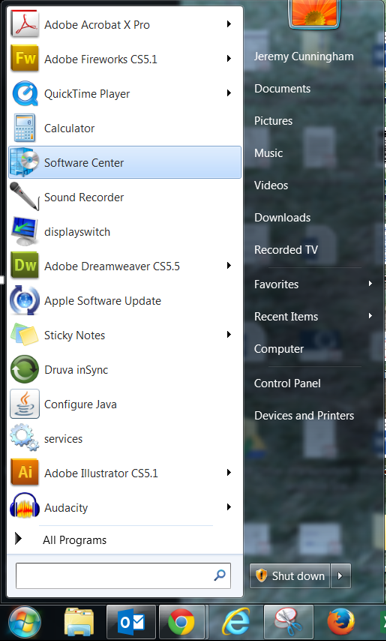
1. Click the Start button and select Software Center from the menu.
- If you don't see Software Center listed, type it in the search field at the bottom of the menu.
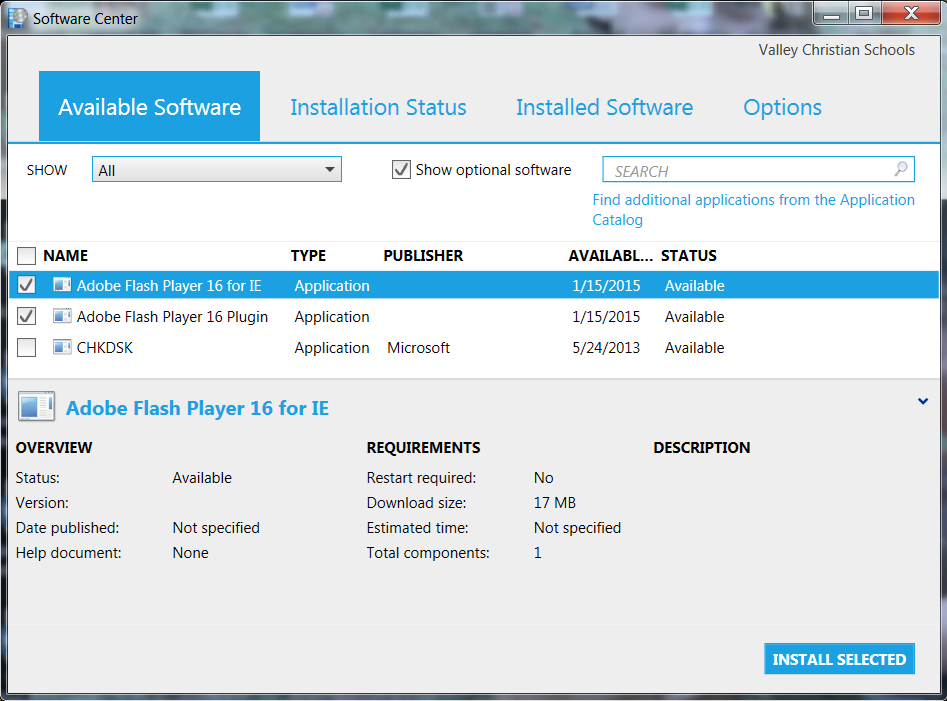
2. Check the box(es) beside the available Adobe Flash Player updates, then click the Install Selected button.
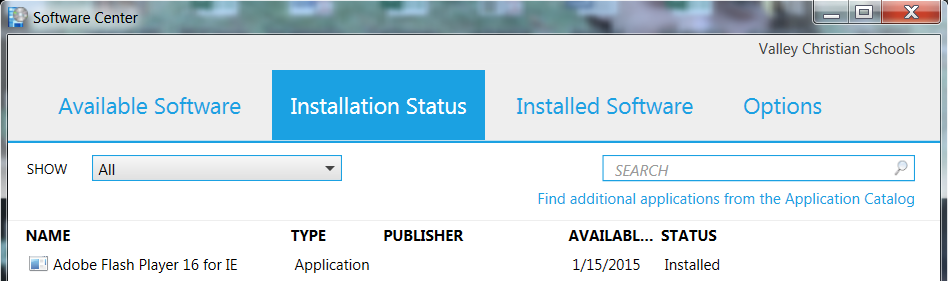
3. Adobe Flash Player will install. Once the installation status shows Installed, you may close Software Center.
- Or, you may install other available updates.
Comments
0 comments
Please sign in to leave a comment.