
All
- Sign in to your Zoom room settings page via Google Chrome at: https://vcs.zoom.us/profile/setting
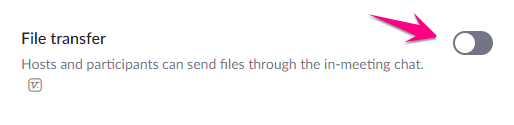
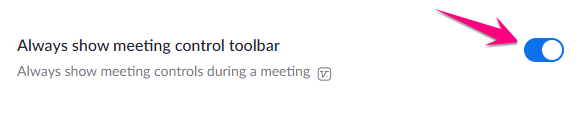
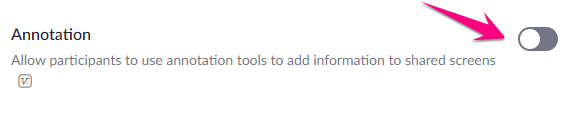
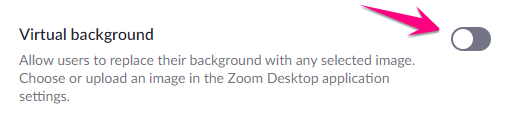
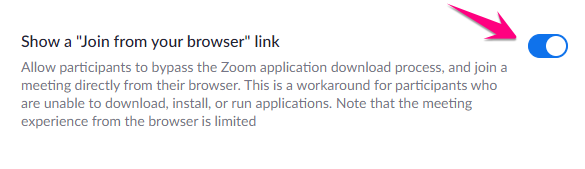
- Scroll down through settings page and make the make sure they are set accordingly
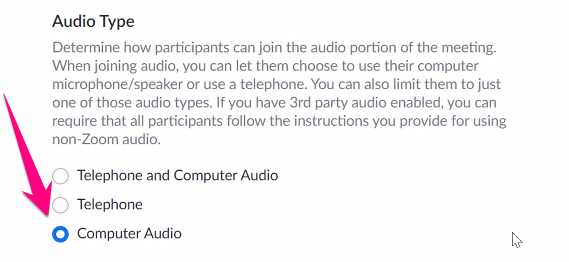

JH & HS ONLY
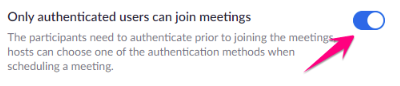
All
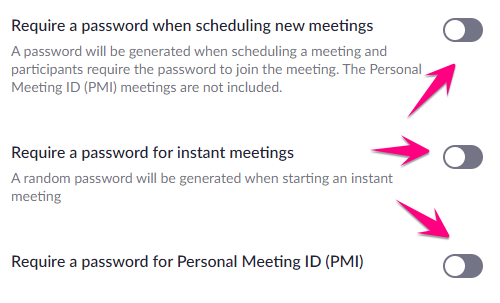
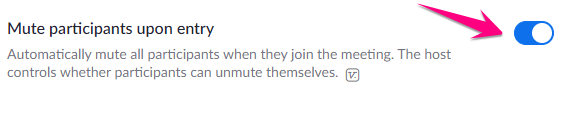

Personal Room Settings
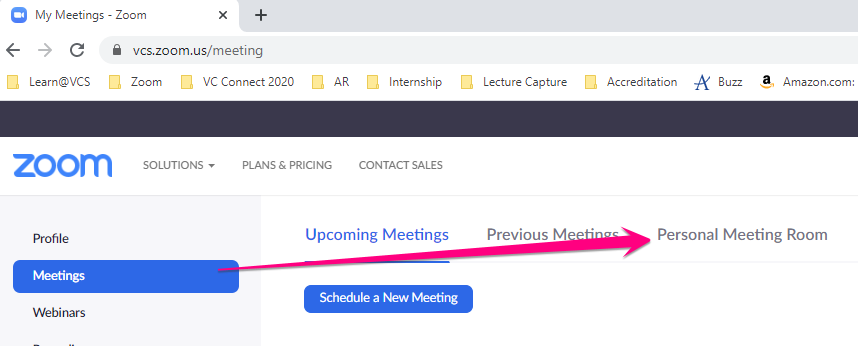
1. Click on Meetings from the top-left menu and click Personal Meeting Room
2. Scroll down and click Edit this Meeting
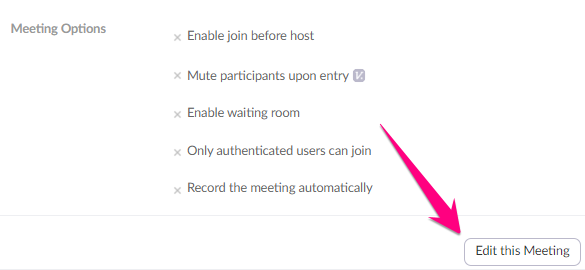
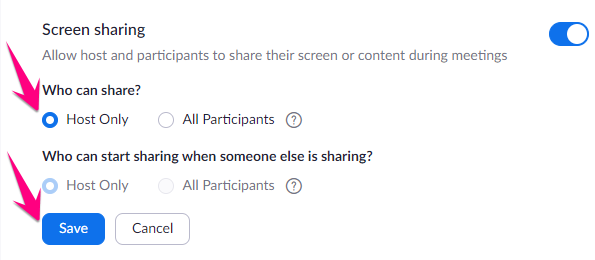
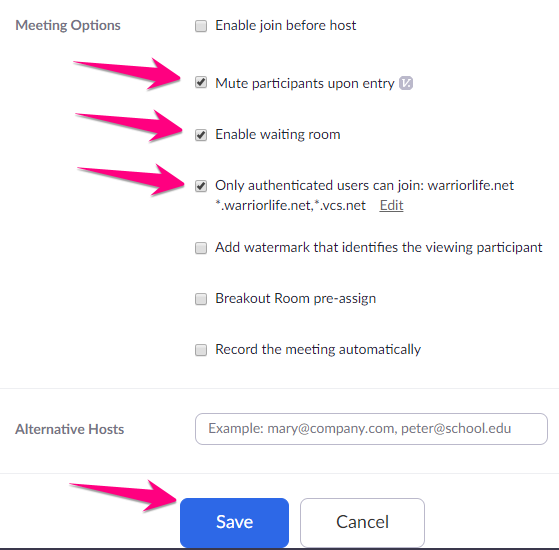
3, Make the following selections and click Save
Comments
0 comments
Please sign in to leave a comment.