
When logging in to a Mac computer the message pops up asking for the keychain password.
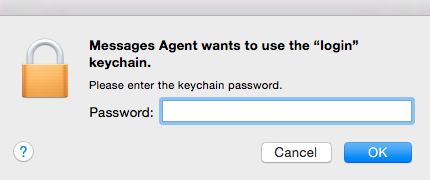
This usually occurs when the login password is changed, but the keychain password is not updated.
This can be resolved by opening up Keychain Access, which is located in the Utilities folder.
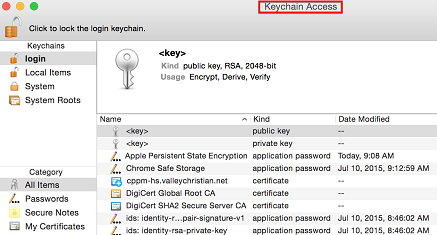
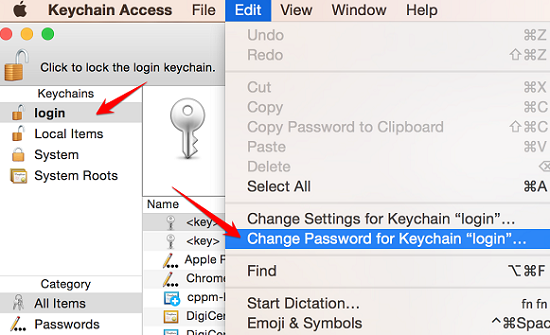
In Keychain Access select the login keychain, go to the Edit menu, and select the Change Password for Keychain "login" option.
Enter the old and new passwords.
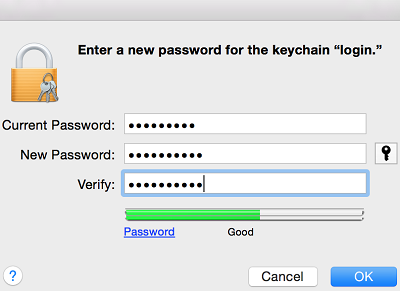
Click OK, close Keychain Access.
Comments
0 comments
Please sign in to leave a comment.