
Although you can collect and view almost any file type in a Moodle Assignment, you cannot view the default image files from an iPad/iPhone. Those files must be downloaded from the Moodle Assignment to view.
Or, the steps below can be used for submitting photos from iPad/iPhone to Moodle that can be viewed.
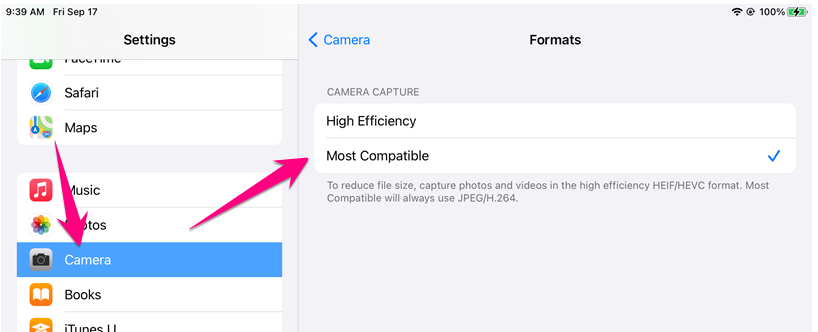
1. Go to Settings > Camera > Formats and select Most Compatible
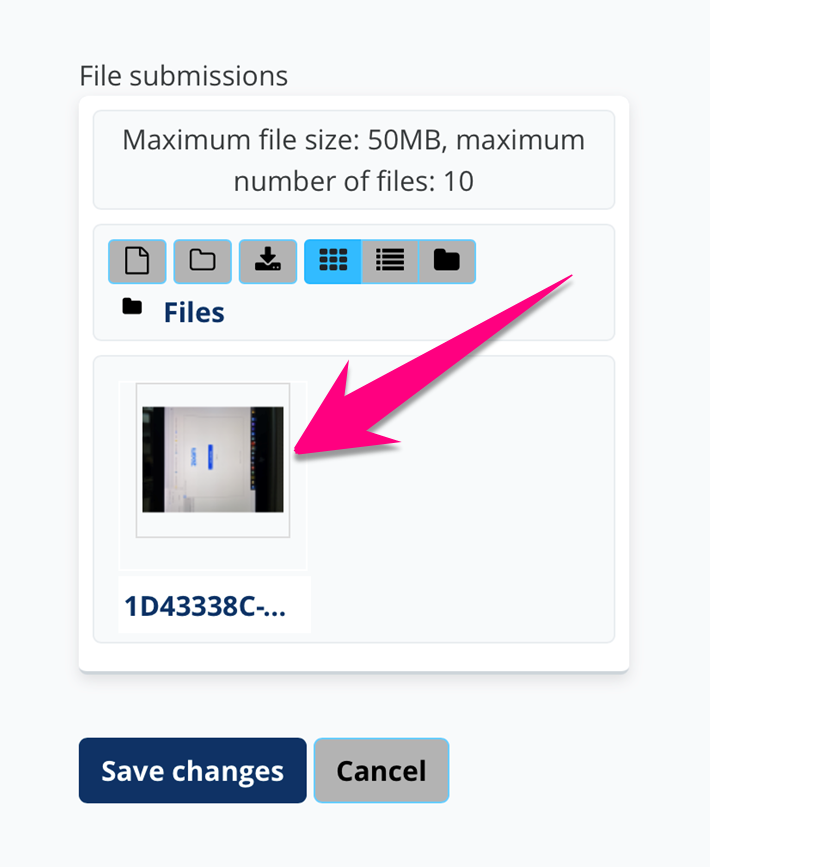
2. Upload an image from your Photos App to the Moodle assignment and then touch the image thumbnail
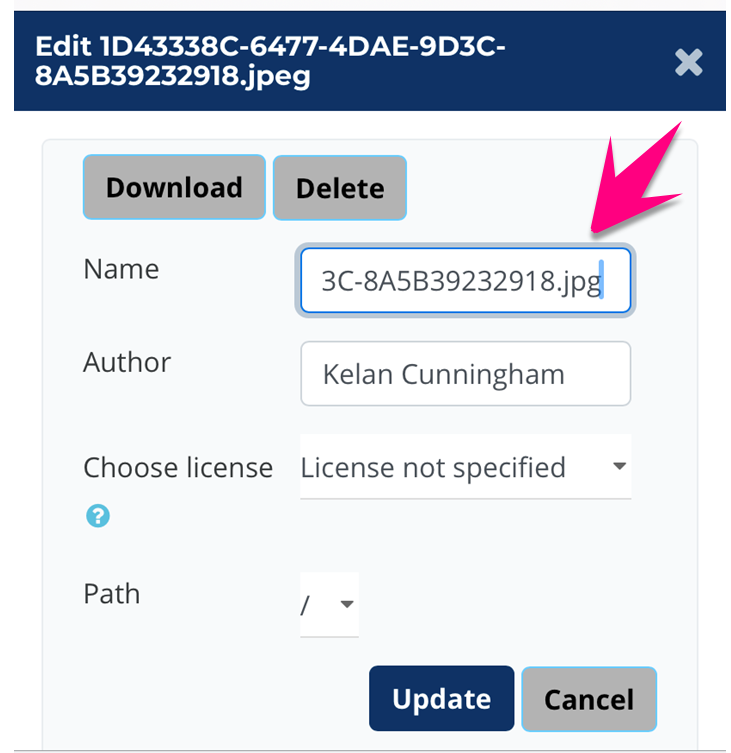
3. Rename the file, edit the file extension to .jpg (remove the e from .jpeg), and press update
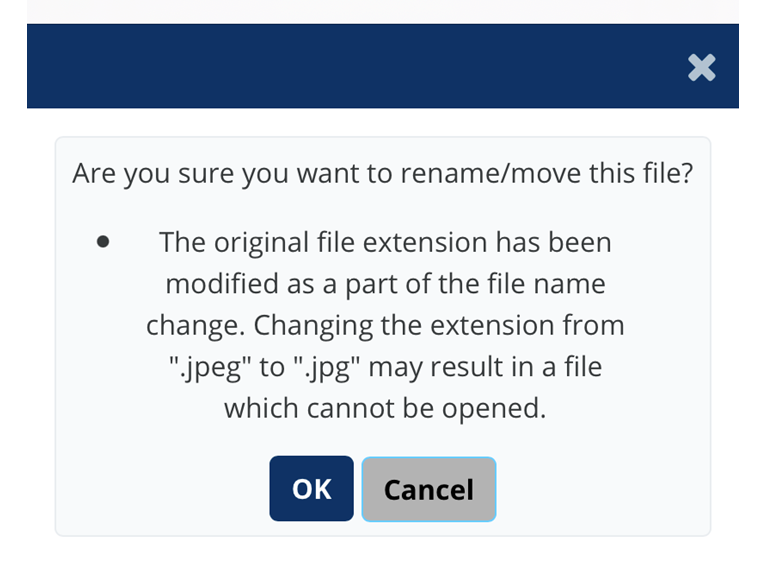
4. Press OK
5. Press Save changes

Comments
0 comments
Please sign in to leave a comment.