
Each classroom is equipped with a DTEN that can be used to participate in meetings or host meetings. Watch the video below to learn how to quickly join or host a Zoom meeting on your DTEN.
Some ideas for using DTEN:
- Watch a meeting or webinar on a bigger screen
- Host a meeting with remote participants, including students
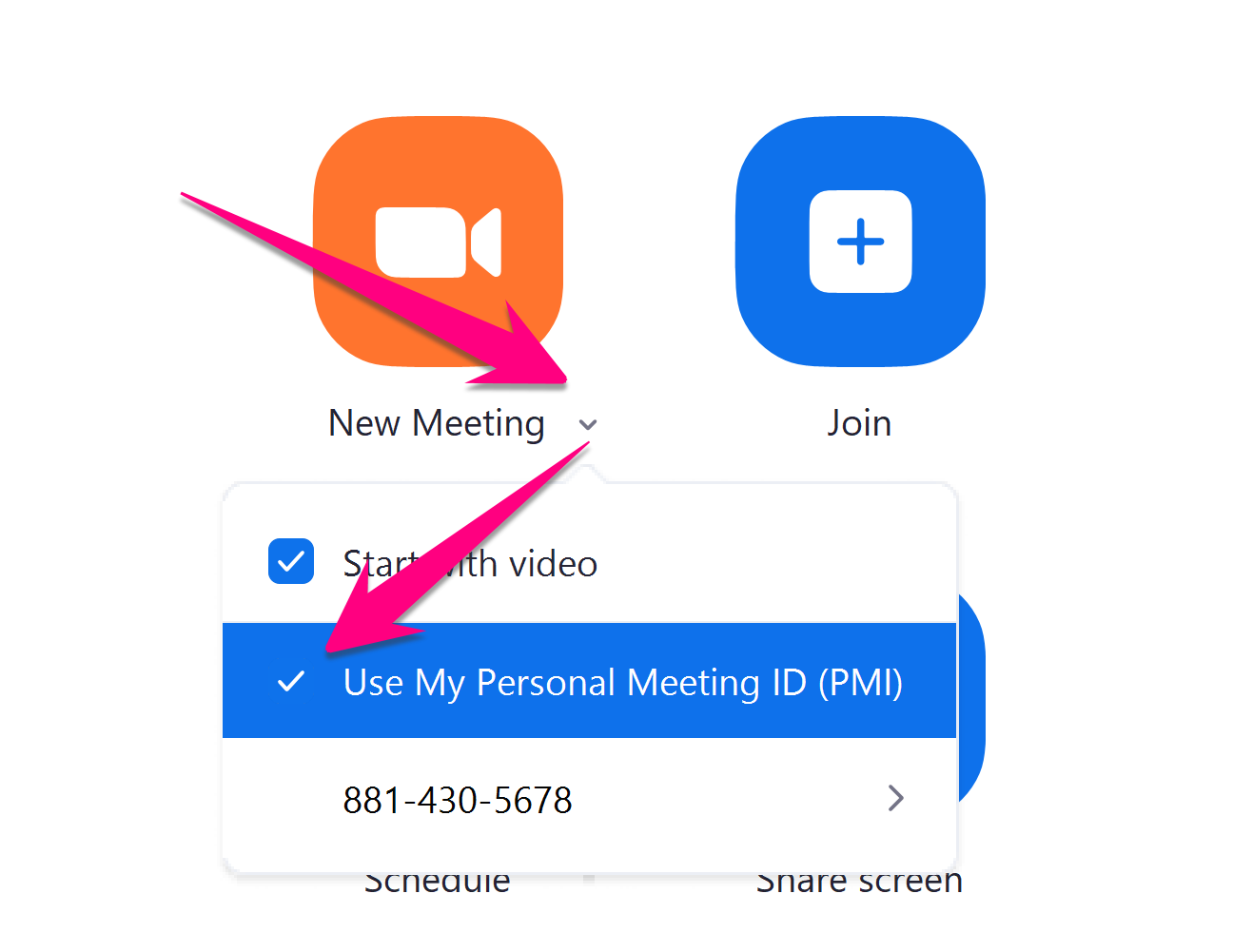
Note: Teachers will use their Personal Meeting ID (PMI) to start or join a classroom meeting on DTEN.
- You can find your PMI here in your Zoom App
Comments
0 comments
Please sign in to leave a comment.