
Update Google Chrome to the latest version (if needed)
You might see a pending update:
- Launch Chrome on your laptop.
- At the top right of the Chrome browser window, find the vertical ellipsis icon
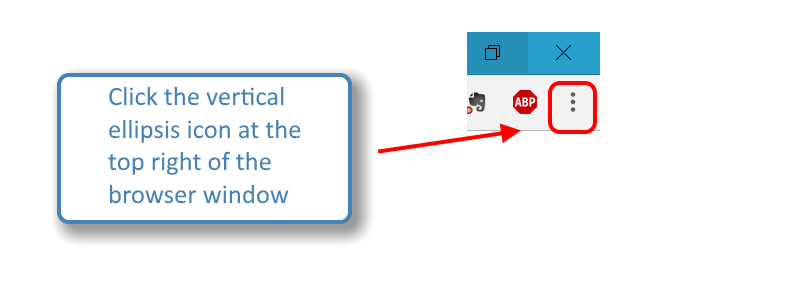
- If an update is pending, the icon will be colored:
- Green: An update was released less than 2 days ago.
- Orange: An update was released about 4 days ago.
- Red: An update was released at least a week ago.
To manually update Google Chrome:
- Launch Chrome on your laptop.
- At the top right of the Chrome browser window, find the vertical ellipsis icon
- Click Update Google Chrome.
- Important: If you can't find this button, you're on the latest version.
Click Relaunch or manually restart your browser.
Comments
0 comments
Article is closed for comments.