
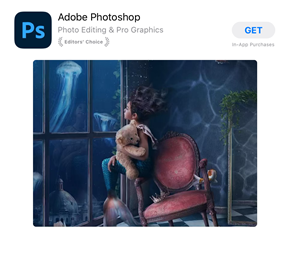
1. Get Adobe Photoshop from the App Store
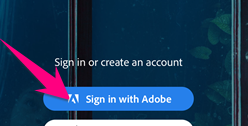
2. Press "Sign in with Adobe"
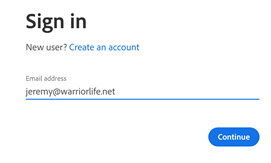
3. Type your Warriorlife email address and press "Continue"
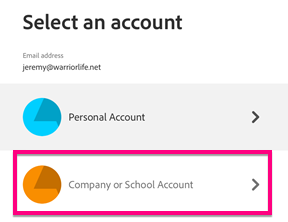
4. Press "Company or School Account"
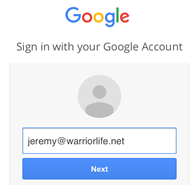
5. Sign in with your Warriorlife account when prompted... you might have to do this 2 or 3 times.
6. Start using Photoshop!

Comments
0 comments
Please sign in to leave a comment.