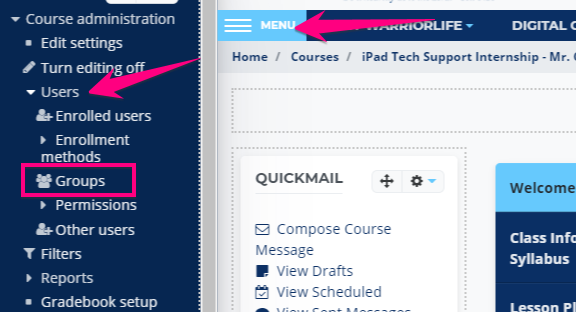
1. Go to your class page, click Menu > Users > Groups
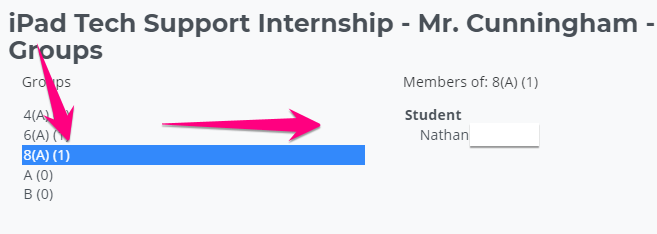
2. Click on a group to see who is in it
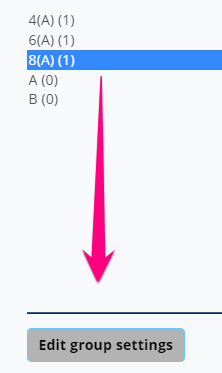
3. Click Edit group settings
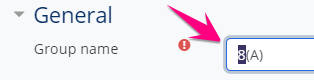
4. Edit the group name and save changes
Is that service or webpage down? Click here to find out --->

1. Go to your class page, click Menu > Users > Groups
2. Click on a group to see who is in it
3. Click Edit group settings
4. Edit the group name and save changes
Comments
0 comments
Please sign in to leave a comment.