
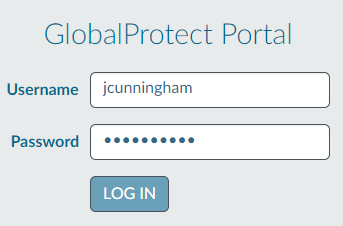
1. Go to https://vpn.vcs.net and login with your VCS username ("jcunningham") and password
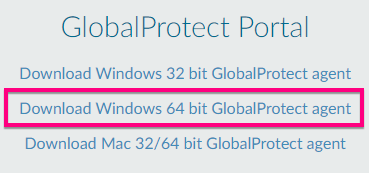
2. Download the Windows 64 bit GlobalProtect agent
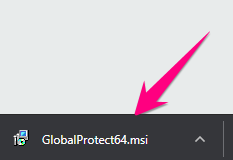
3. Click on the downloaded GlobalProtect64.msi installer at the bottom of your browser window and follow on-screen prompts to install
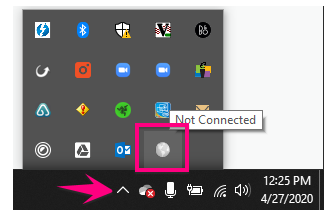
4. GlobalProtect will open in the bottom-right corner of your screen. Enter vpn.vcs.net and click Connect
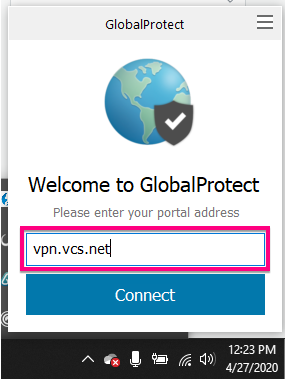
If you don't see it, click Show Hidden Icons and click on the GlobalConnect Icon
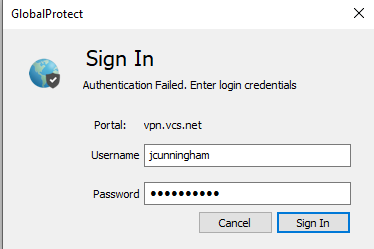
5. Sign in with your VCS email address and password
6.
Comments
0 comments
Please sign in to leave a comment.