
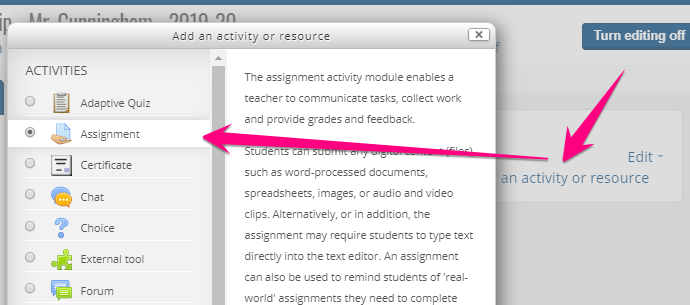
1. Click Turn editing on > Click Add an activity or resources > Double-click on Assignment
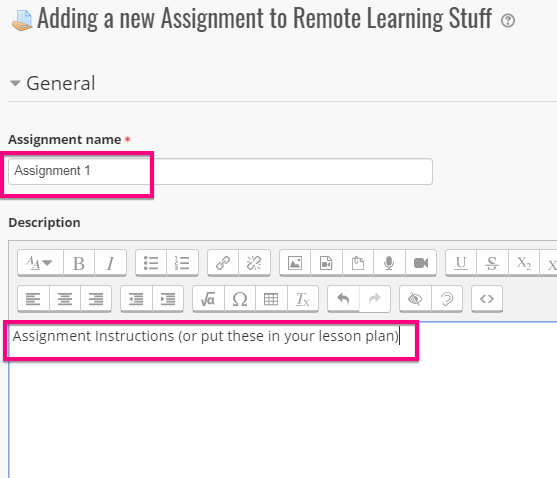
2. Add an assignment name and description (could be instructions, or put those in your lesson plan)
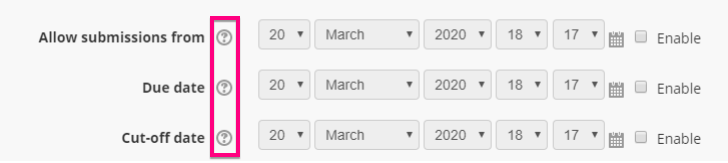
3. Set availability dates, but click on the info buttons to learn how these availability dates function before you enable them
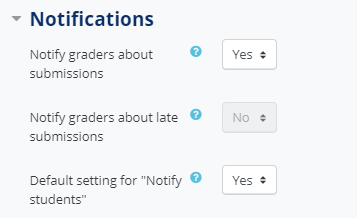
4. Go to notifications and choose whether or not you want to get email notifications each time a student submits. You can also choose to send students email notifications when you grade and/or give feedback.
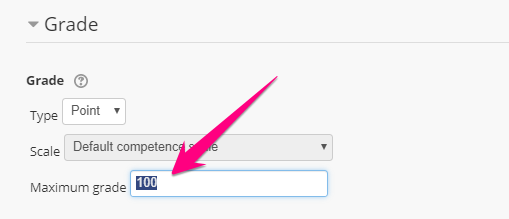
5. Set the maximum grade value
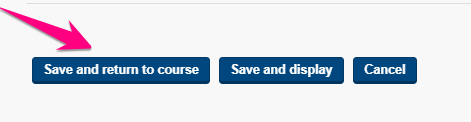
6. Click and Save and return to course
Comments
0 comments
Please sign in to leave a comment.