
1. Go to the Distance Instruction page in Learn@VCS
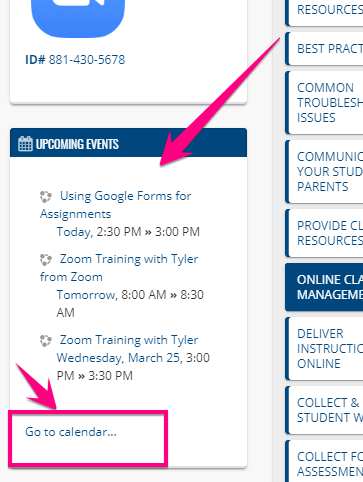
2. Go to the Upcoming Events block on the left of the page and click "Go to calendar"
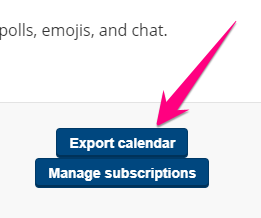
3. Click Export calendar
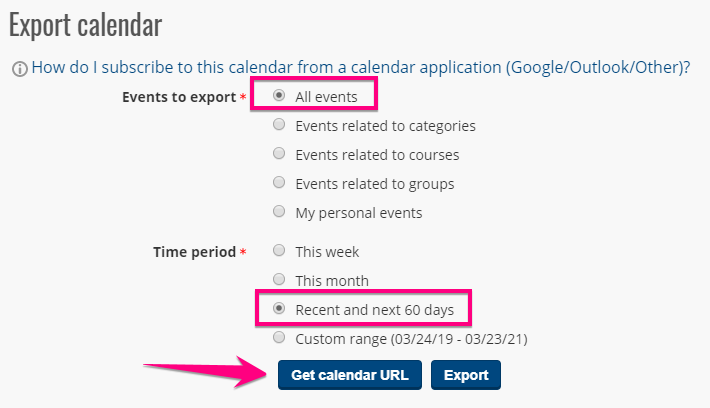
4. Select "All events" and "Recent and next 60 days", then click Get calendar URL
5. A calendar URL will appear. Copy the entire long URL and use it to subscribe to the training calendar in your calendar program of choice

Comments
0 comments
Please sign in to leave a comment.