
Sometimes the power goes out on our Skyway campus. Since our mail server is located in the server room of the Skyway campus, all VCS faculty and staff will lose access to the mail server during a power outage. However, we have provided a way to read and even send email using the Emergency Inbox feature of our ProofPoint email security solution.
To access the Emergency Inbox, simply log in to your ProofPoint spam filter portal using one of 3 methods:
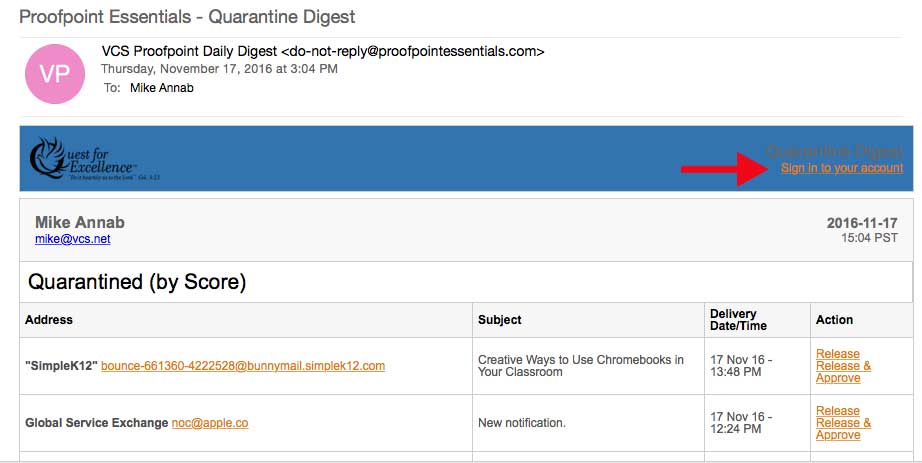
- Launch Outlook, locate one of the ProofPoint quarantine messages in your inbox, and click on the Sign in to your account link
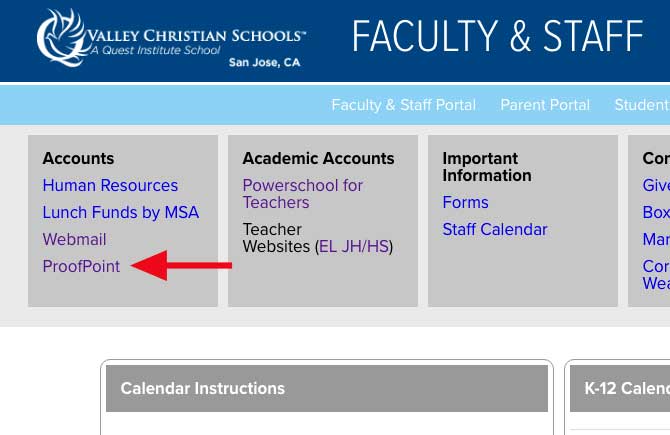
- Or, you can visit the staff portal and click ProofPoint
- You can also click here
Once you click the ProofPoint link, you will be taken to the ProofPoint login screen
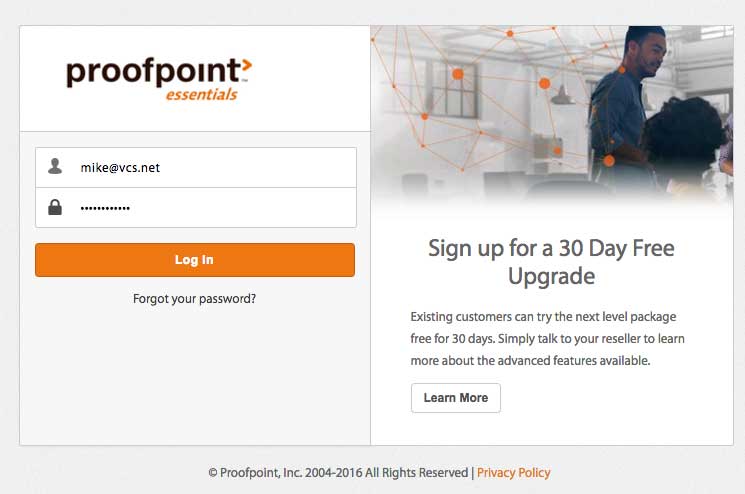
Enter your credentials if they are not already pre-populated for you.
Once you log in, you will see the Emergency Inbox link under Profile
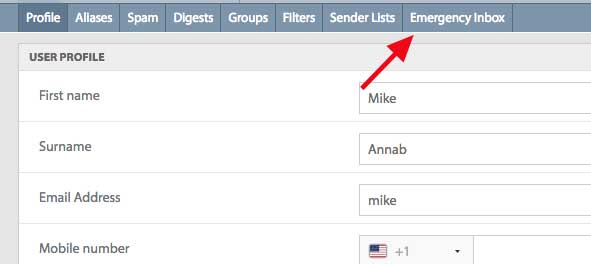
Once you click on the Emergency Inbox link, you will be taken to the screen shown below.
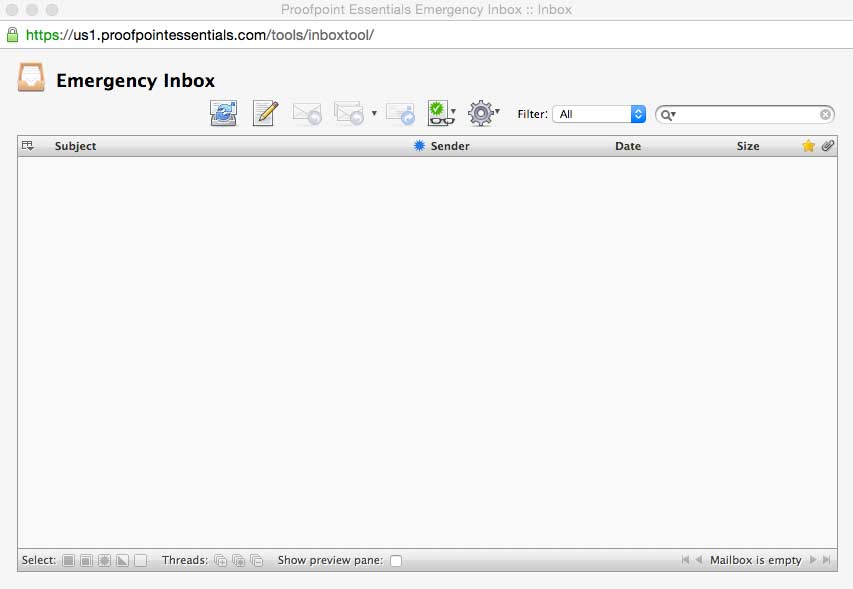
Follow this link to learn more about how to use the Emergency Inbox.
Comments
0 comments
Please sign in to leave a comment.