
PowerTeacher has an iPad App that you can use for attendance and grading. To use the App on your iPad:
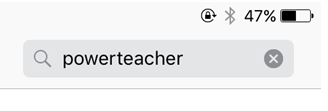
1. Go to the App Store on your iPad and search for PowerTeacher
2. Install the PowerTeacher Mobile App

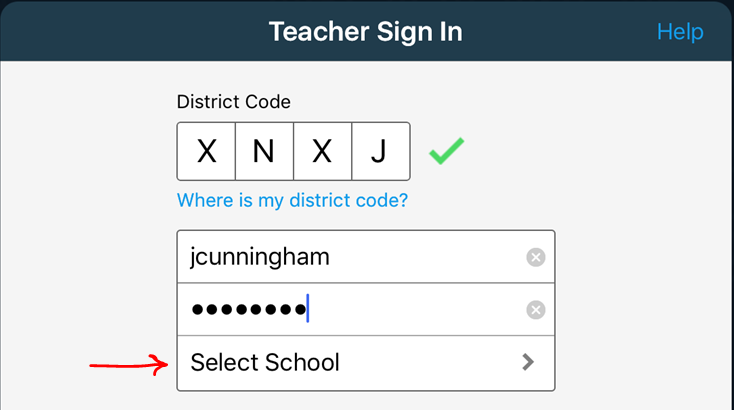
3. Open the App and enter the district code (XNXJ) and your PowerSchool username and password. Then, press Select School
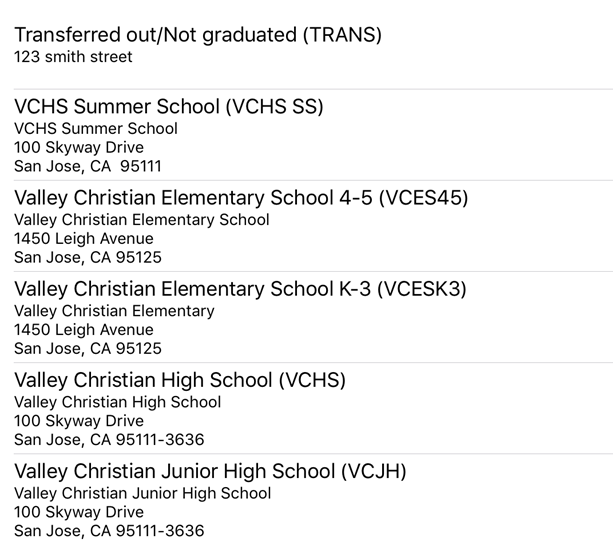
4. Select your campus
5. Press Sign In

6. Press the menu button in the upper right to get started. Also, visit the Help Center to learn more about using PowerTeacher Mobile

Comments
0 comments
Please sign in to leave a comment.