
If you cannot access a Google survey:
1. Open a new tab and go to http://google.com
2. Click on your account photo/icon in the upper-right and check if you're logged in to your personal Gmail account

3. If you're signed in to your personal Gmail account, sign out, then sign back in with your Warriorlife account (the password is the same as your VCS account)
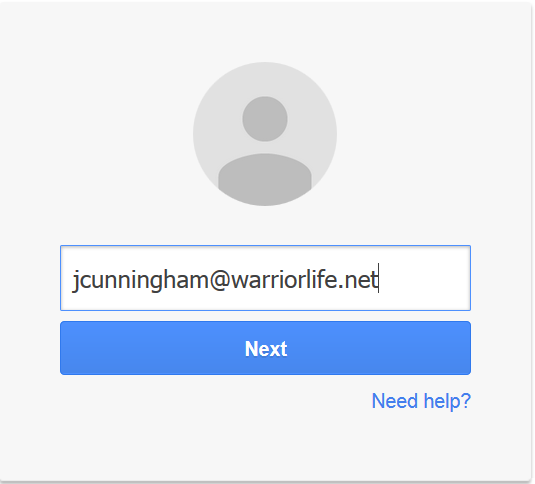
4. Alternatively, you can click "Add account" and sign in with your Warriorlife.net account without signing out of your personal account
5. Return to the survey link and click to access the survey
Comments
0 comments
Please sign in to leave a comment.