
Sometimes an assignment might show that a student submission still requires grading when you've actually graded all assignments. This appears to be a bug that you can clear.
To find the assignment that needs to be graded and clear it:
1. Click into the assignment grading summary and click View/grade all submissions
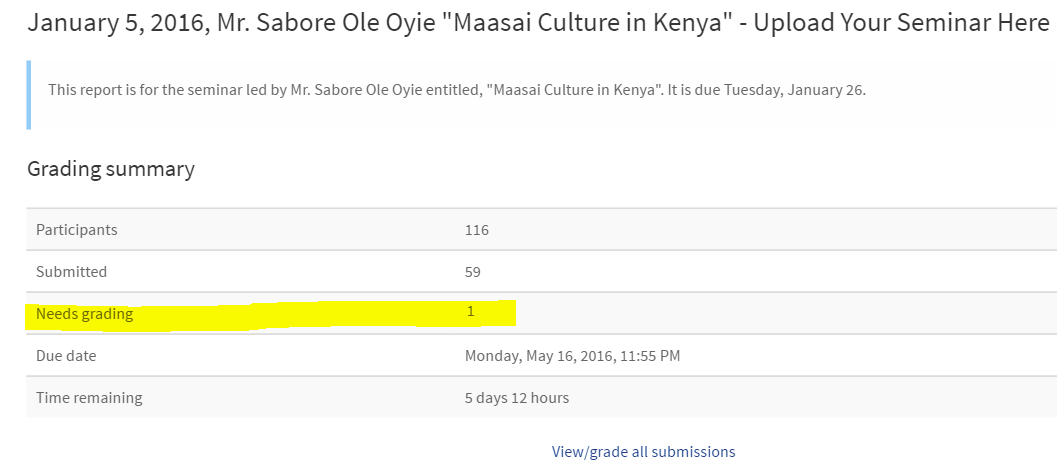
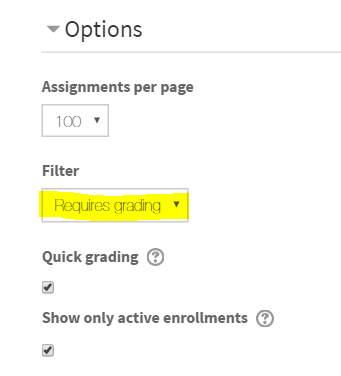
2. Scroll to the bottom of the grading screen and change the filter to Requires grading
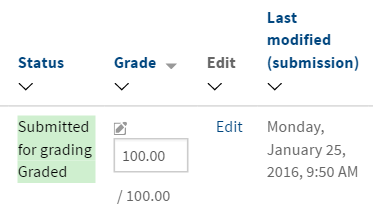
3. You may see a student submission that has actually been graded already. Edit the grade and save grade changes again.
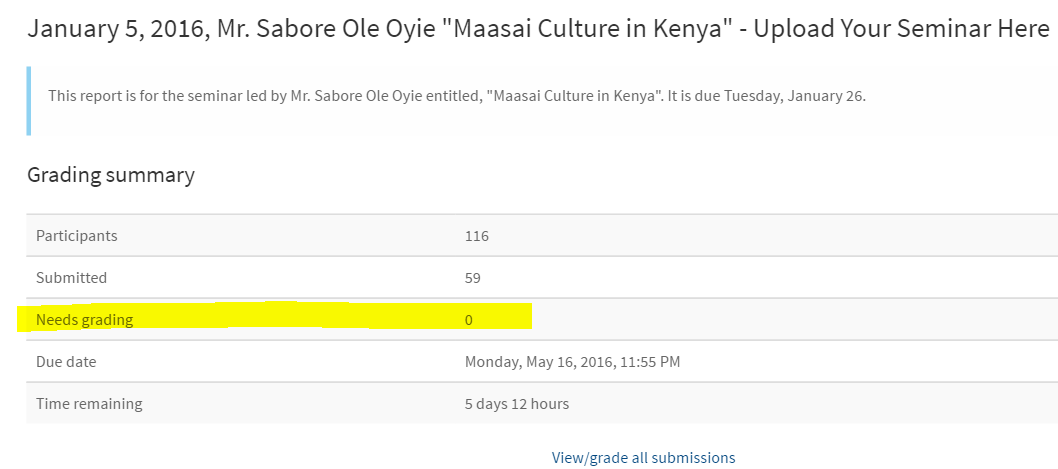
4. Now the grading summary will be accurate.
Comments
0 comments
Please sign in to leave a comment.