
Complete the steps below to confirm that you have editing permissions for each course page you teach.
1. Click on a course link from the my courses menu

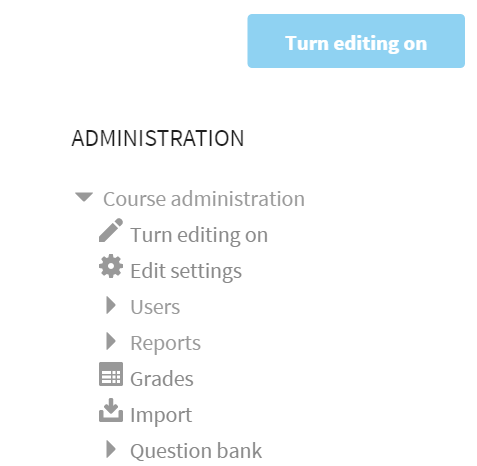
2. There should be a Turn on editing button and link in the upper-right of you course page. This indicates that you have editing permissions for your page(s).
Comments
0 comments
Please sign in to leave a comment.