
Learn@VCS is our online hub for teacher websites. Learn@VCS is located at https://learn.vcs.net. Sometimes it's referred to as Moodle because that's the software the website is built on.
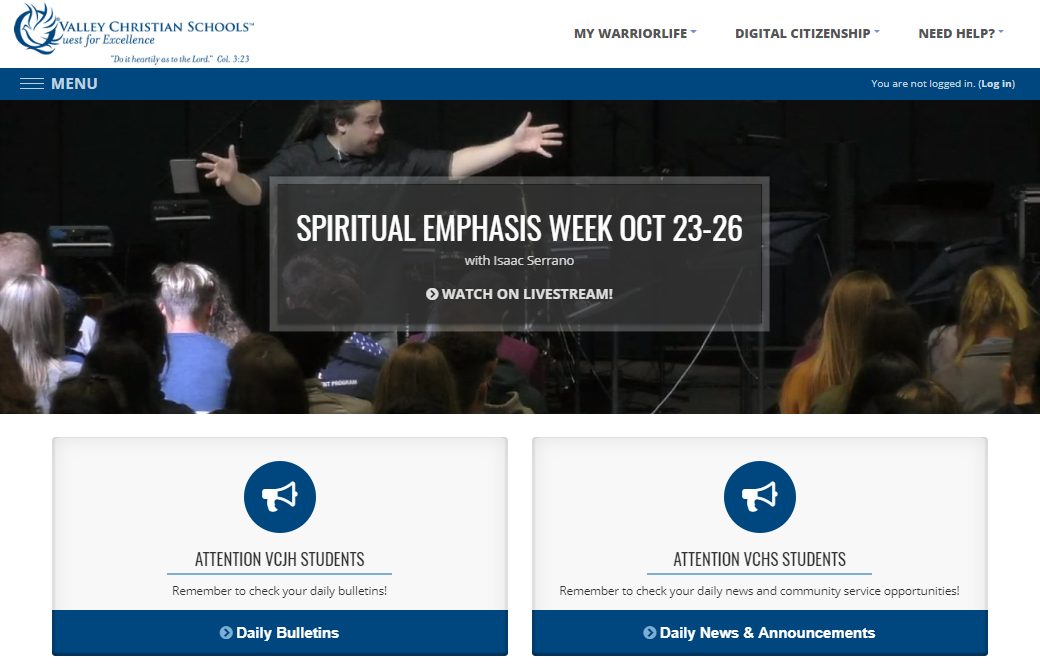
Teachers use Learn@VCS to post lesson plans, instructional resources, and interactive assignments/assessments. Teachers must maintain a website for each class that they teach. Academic course requirements for Learn@VCS sites are:
1. Teachers must adhere to the VCS site template.
2. Lesson Plans must be posted using the appropriate lesson plan template.
3. Instructional resources are archived by Unit of Instruction (e.g., Unit, Chapter, or Major Instructional Topic).
4. Learn.vcs.net should be written with the parents and absent students in mind. A person who was not present in class should be able to easily follow the information posted.
5. Check with your campus for additional Learn@VCS expectations.
To login to Learn@VCS:
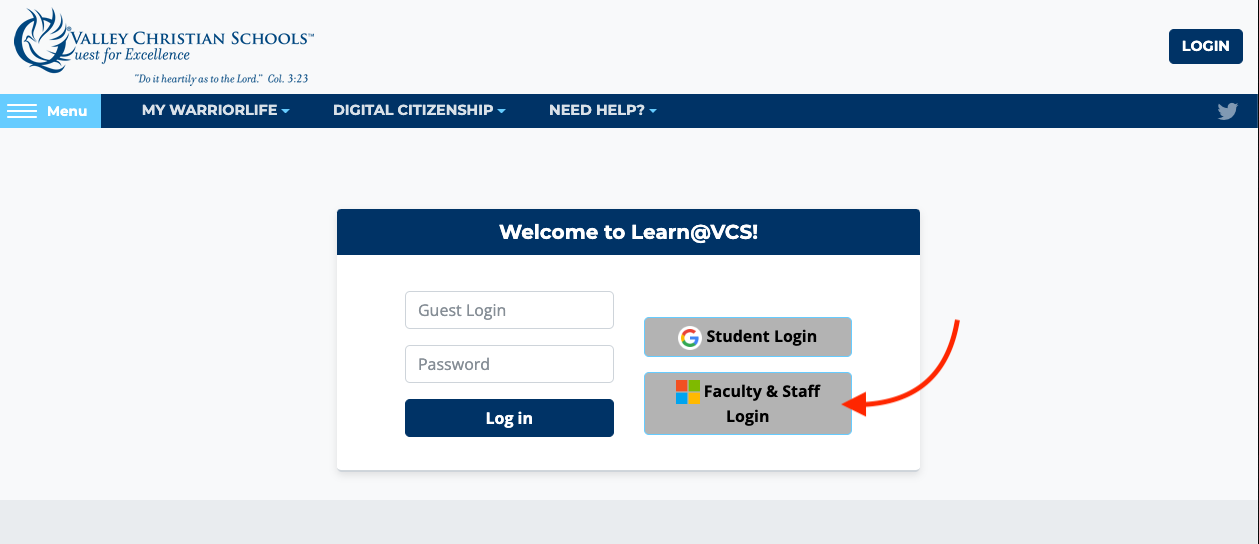
1. Log in to https://learn.vcs.net by clicking the Log in button in the upper right hand corner of the page. Click the Faculty & Staff Login button and use your VCS credentials to authenticate.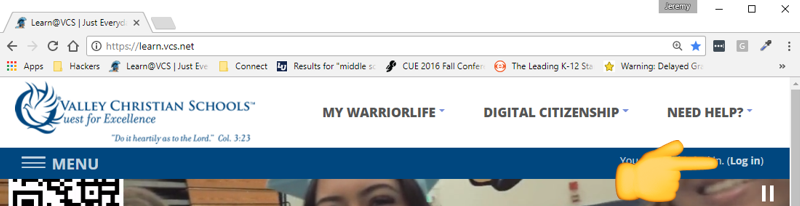
2. Once logged in, click on MENU in the upper left and confirm that you have all of your course links named correctly:
- Course title should be: Course Name - Teacher Name - 2022-23 (or current school year)
- You should also have links to some additional pages like your campus faculty page and VCS Curriculum & PD

Comments
0 comments
Please sign in to leave a comment.