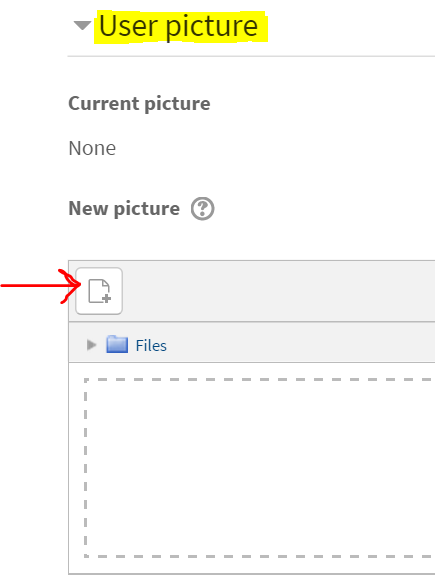
How do I edit my Learn@VCS profile? Follow Jeremy Cunningham July 07, 2023 19:06 Updated To edit your Learn@VCS profile: 1. Log in to http://learn.vcs.net 2. Click your profile icon and click My Profile 3. Click Edit profile from the User details heading 4. Scroll down, click User picture, and click the add button 5. Click Upload a file from the file picker menu, then click Choose File 6. Browse for a profile image and double-click it 7. Click Upload this file 8. Scroll to the bottom of the page and click Update profile Related articles How do I hide/show content in Learn@VCS? Ho do I upload a file to Learn@VCS? How to log in to Schoology Subscribe to the Distance Instruction Training Calendar Log-in to Warriorlife and create, edit, and collaborate Comments 0 comments Please sign in to leave a comment.





Comments
0 comments
Please sign in to leave a comment.