
To create and verify your Warriorlife YouTube account so you can upload videos longer than 15 minutes and take advantage of other advanced YouTube tools:
1. Go to http://youtube.com/verify and and sign in using your Warriorlife email address and password
2. If you haven't created your channel before, you will be prompted to give it a name. You can name it something like "Mr. Cunningham's YouTube Classroom". Then click Create Channel.
3. Choose your method of verifying your account, either by phone message or text. Text is very quick and easy. You will get a verification numerical code that you will enter after clicking the Submit.

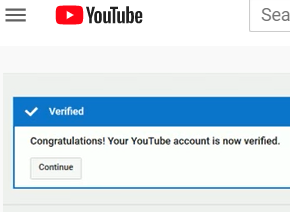
4. Once you've been verified, you can begin uploading your awesome instructional YouTube videos!
Comments
0 comments
Please sign in to leave a comment.