
To start a Google Hangout Meet:
1. Go to https://meet.google.com/ and click Sign in with your Warriorlife account
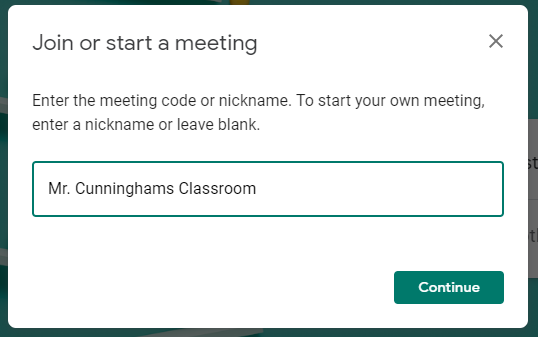
2. Click Join or start a meeting

4. Enter a meeting name and click Continue
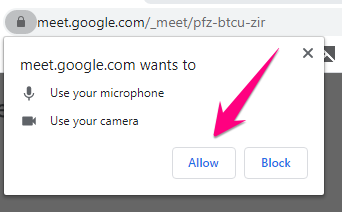
6. Allow use of your microphone and camera, if prompted
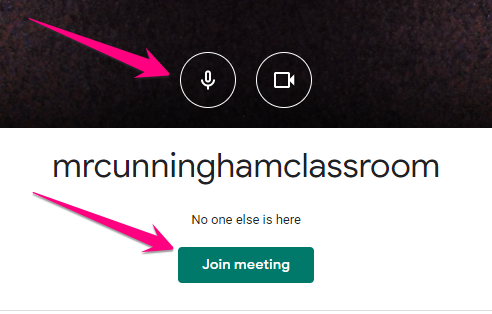
7. Make sure your microphone and camera are turned on and click Join meeting
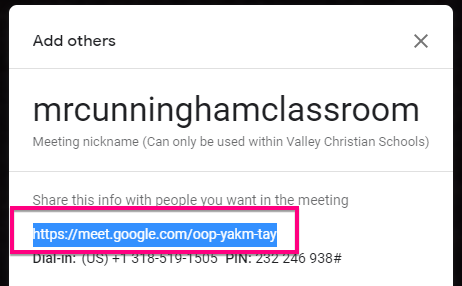
8. Copy the meeting URL and post on your Moodle Page
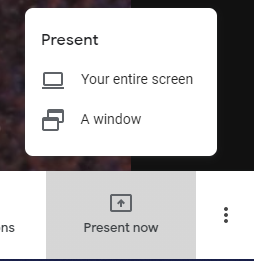
9. Click Present now in the lower-right and choose your entire screen
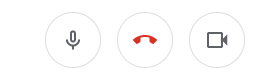
10. Use the controls on the bottom menu to mute yourself, turn off your camera, or leave the meeting
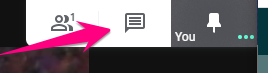
11. Use the controls in the upper right menu to chat with participants
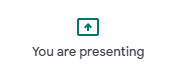
12. Click the presenting button when finished
Comments
0 comments
Please sign in to leave a comment.